
After authentication, the same account provides games, sport, promotions, AUD cashier, transaction history and KYC upload tools. No native application is necessary. Players should enter credentials only after verifying the Robocat address and avoid links in unexpected account messages.
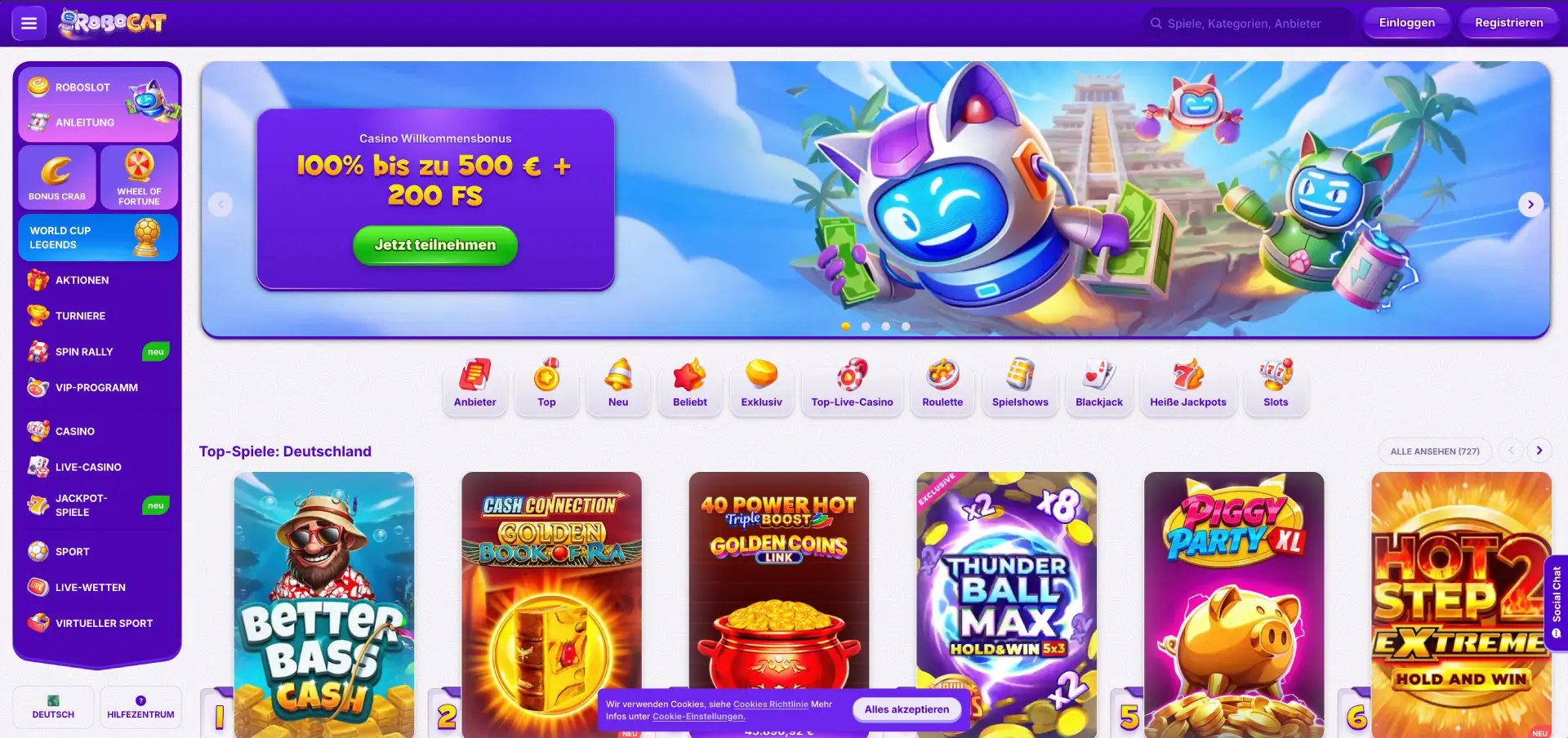
Robocat casino welcome offer100% up to AUD 850 + 200 free spins · 18+ · Terms apply
Play at RobocatRobocat login facts
The two sign-in routes lead to one account. KYC is separate from everyday access and generally becomes relevant before the first withdrawal.
| Access item | Robocat process |
|---|---|
| Standard login | Registered email and password |
| Alternative | PlayID authentication |
| Password reset | Email link from the forgot-password control |
| Desktop | Browser login modal |
| Mobile | Responsive browser login; no native app |
| KYC | Typically before the first withdrawal |
| Support | Social Chat and Help Centre |
Signing in with email and password
The standard login form opens over the casino homepage. New customers use the registration route to create one account and choose a welcome option; returning players should not open another profile to solve a sign-in problem.
- Open the checked Robocat address in a current browser.
- Select Log in in the top-right area.
- Enter the email used for the existing account.
- Type the case-sensitive password in the second field.
- Use the visibility control briefly if the spelling needs checking.
- Submit the form and allow the account dashboard to open.
Once inside, check that the AUD balance, recent transactions and active promotions match the expected profile. An unfamiliar payment or changed account detail is a reason to sign out, change the password and contact support.
Using PlayID as the alternative login
The login modal offers a PlayID path beneath the standard form. Selecting it transfers the user to PlayID authentication, after which the session returns to the Robocat account. A separate information link explains the external service.
If PlayID does not respond, the registered Robocat email and password remain the practical alternative. Confirm first that both routes refer to the same account. Repeatedly registering through another identity path can create duplicate-account and verification problems.
A persistent PlayID issue can require both Robocat Social Chat and PlayID support, depending on where authentication stops. Record the visible error and time rather than sharing a password or one-time security code.
Resetting a forgotten password
The recovery control appears within the sign-in modal. It sends a link to the registered address, so access to that mailbox is essential.
- Select the forgot-password link before attempting more guesses.
- Enter the email associated with the Robocat account.
- Check the inbox and spam folder for the newest message.
- Open the most recent reset link.
- Create a long password not used by another service.
- Return to Robocat and sign in again.
Several reset requests can produce several messages, while older links may stop working. Use the latest one. If the account email is inaccessible, Social Chat can explain the ownership process; opening another casino account is not a recovery method.
Mobile Robocat Casino login
Android, iPhone and tablet users see the same email, password and PlayID choices in the responsive browser modal. The account balance and bonus state do not change when moving from desktop to a phone.
A home-screen shortcut can open the website more quickly, but it remains a browser connection. Robocat does not need an APK, App Store package or iOS configuration profile. The Robocat app guide gives shortcut instructions and fake-download warnings.
Credentials should be stored only on a private, locked device. On a shared phone or tablet, decline password saving and sign out completely after use. Closing a tab alone may leave the session available.
Access problems and fixes
Login failures are usually connected to credentials, stored browser state, account restriction or the PlayID hand-off. Change one factor at a time to keep the cause clear.
| Issue | What to do |
|---|---|
| Incorrect password | Use the email reset route |
| Account not recognised | Check the registration email and possible alternate address |
| Account locked | Contact Social Chat through the site |
| Page not loading | Clear site cache, switch browser or try mobile access |
| PlayID not working | Use email login and contact PlayID support if needed |
| Login loop | Remove Robocat cookies and open a fresh tab |
Strict blockers can prevent required scripts or cookies from establishing the session. Review those settings only for the checked site instead of disabling browser protection broadly. An outdated saved password should be corrected in the password manager after a successful reset.
If the account reports a restriction rather than a technical error, do not attempt to bypass it with another email or device. Ask Social Chat what account action or document is required.
KYC after login
Logging in does not mean identity verification is complete. Before the first withdrawal, Robocat can request a government-issued photo ID, proof of residential address and confirmation that the selected card, wallet or bank account belongs to the player.
An Australian driver's licence or passport can establish identity. An address document must show the correct name and residence and should meet the date requirements stated in the upload instructions. Payment evidence should be masked only where the instructions permit.
KYC files can be submitted in a desktop or mobile browser. Use a secure connection and ensure the whole document is readable. Verification and payment-method eligibility are covered further in the Robocat withdrawal guide.
Account security checklist
Protecting Robocat access also depends on the email account and device. A short routine reduces exposure to copied login pages and reused passwords.
- Bookmark the checked Robocat address.
- Use a password unique to this account.
- Secure the registered email separately.
- Never send a password through Social Chat.
- Reject APKs, profiles and remote-access requests.
- Inspect transactions after an unfamiliar login notice.
- Change credentials promptly after losing a device.
After account recovery, inspect bonus status before playing. A password reset does not extend wagering or promotion expiry. The bonus guide explains the different casino, sport and crypto balances.
The transaction history is also a useful checkpoint. Compare its recent deposits, bets and withdrawal requests with the activity expected on the account. Record any mismatch with its amount and time before contacting support, and avoid changing unrelated profile fields until the issue is documented.
Responsible account access
Easy sign-in should not remove boundaries around gambling sessions. Decide the available time and loss limit before logging in, and do not use a reward alert as a reason to resume play. Access is for adults aged 18 and over. Confidential support for Australians is available from Gambling Help Online.
Robocat Casino login FAQ
These answers cover email access, PlayID, password recovery, mobile login and KYC.
What details are needed for Robocat login?
Use the email and password registered to the casino account, or choose PlayID if it has been configured for that profile.
How does PlayID login work?
Select the PlayID route in the sign-in modal, complete its authentication and return to the linked Robocat account.
How is a forgotten password reset?
Use the recovery link in the login form, enter the account email and follow the newest message delivered to the inbox.
Why is the account not recognised?
The email may differ from the one used at registration. Check spelling and any alternate address before contacting Social Chat.
Can Robocat login work on a phone?
Yes. The browser modal supports email, password and PlayID on Android and Apple devices without a native app.
Is KYC required before every login?
No. KYC is normally connected to account management and the first withdrawal, not each routine sign-in.
What should happen after an account lock?
Stop repeated attempts and contact Social Chat through the checked site. Describe the visible message without sharing the password.